
Contents
Why the cable is the bottleneck
Charging is a negotiation between three parties: the charger, the device, and - the part everyone forgets - the cable in between. USB-C Power Delivery only allows the charger to send high power once it has confirmed that everything in the chain can handle it. The cable is a full participant in that conversation, not a passive piece of copper.
The default is deliberately conservative. If the cable cannot prove it is capable of more, the system holds at 3A - roughly 60W. So a plain, unmarked cable will happily charge your phone at full speed, then quietly throttle your laptop to little more than half its rate, and nothing will warn you. No error, no light, just a laptop that charges slowly and a user who blames the battery.
The four things a cable decides
Almost every cable buying mistake comes from assuming these four things travel together. They do not. A cable can be excellent at one and hopeless at another:
- Power (watts). How much charge it can carry. Set by the conductor gauge and, above 3A, by the e-marker chip.
- Data (Gbps). How fast files move. Many charging cables carry only USB 2.0 speeds (480Mbps) - fine for power, painful for an external SSD.
- Video. Whether it can drive a monitor. Requires the higher-speed wiring; charge-focused cables often cannot.
- Length and build. Resistance, flex life, strain relief. The thing that actually determines whether the cable survives a year in a bag.
The important consequence: a 240W cable is not automatically a fast data cable. Plenty of 240W cables are USB 2.0 for data. If you want power and speed and video, you have to buy for all three deliberately.
The e-marker chip, explained
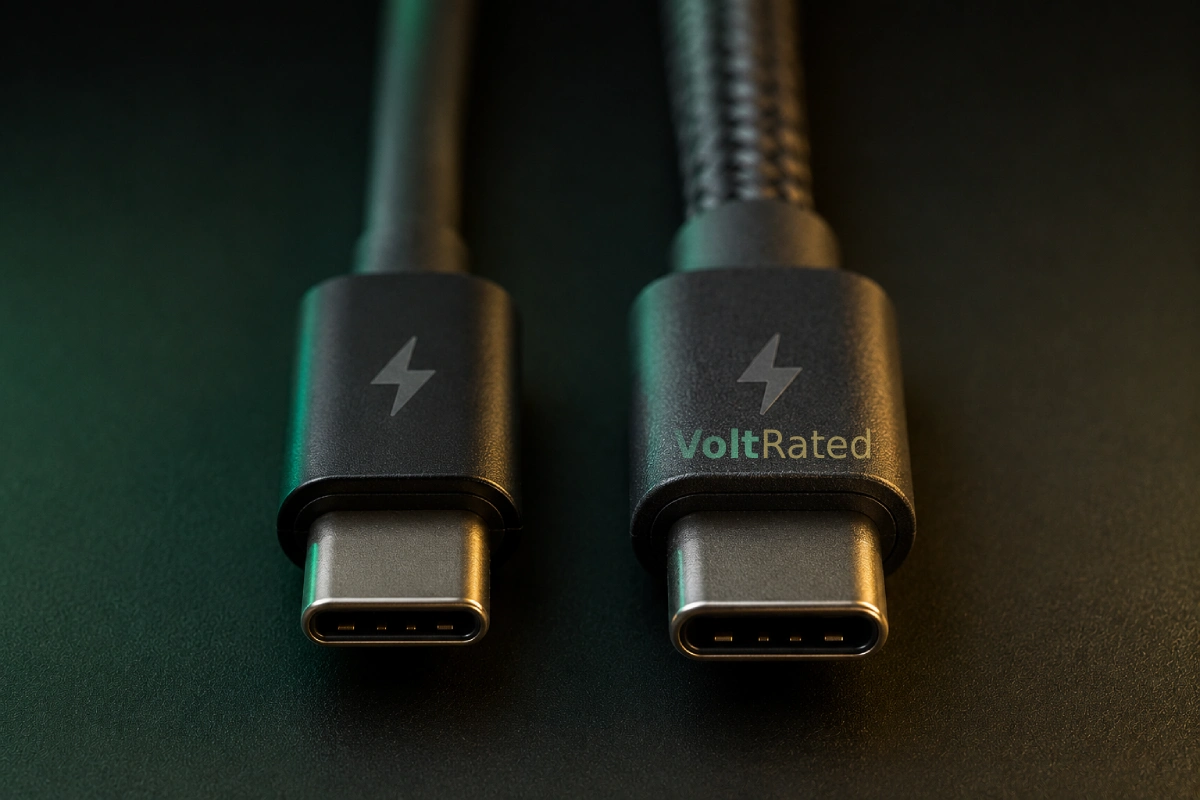
An e-marker (electronically marked cable) is a tiny chip moulded into the USB-C connector. It stores the cable's own spec sheet - current limit, voltage limit, data speed - and hands it over when the charger asks. It is how a charger knows the difference between a cable that can take 5A and one that will overheat trying.
Two rules follow, and between them they explain most "why is this charging so slowly" mysteries:
- Above 3A, an e-marker is mandatory. No chip, no high current. The USB-C specification requires it, and chargers enforce it.
- No e-marker means a hard 60W ceiling (3A at 20V), regardless of what the charger or the device could do.
This is a safety feature working exactly as designed, not a flaw. A thin cable being asked to carry 5A is a cable getting hot. The e-marker is the mechanism that stops a charger from asking.
How to read the markings
Good cables tell you what they are, right on the connector. Bad cables tell you on the Amazon listing. Look for these, in order of trustworthiness:
| What you see | What it means |
|---|---|
| Laser-etched 60W or 240W logo | The USB-IF certified power rating. The single most useful mark on a cable. |
| USB 5Gbps / 10Gbps / 20Gbps / 40Gbps / 80Gbps | Certified data speed. The USB-IF now labels by speed rather than by confusing version numbers. |
| A QR code on the packaging or connector | Links to the certification database so the claim can be checked rather than believed. |
| Thunderbolt bolt icon with a 3 or 4 | Thunderbolt certified - high data and video, and at minimum 100W power on a full-featured cable. |
| "Supports fast charge", "compatible with USB4", "up to 100W" | Marketing. No specification defines any of these phrases. Treat as unrated until proven otherwise. |
The pattern worth internalising: certification schemes use numbers, marketing uses adjectives. "240W, USB 40Gbps" is a claim someone can be held to. "Super fast charging cable" is not.
The four cable tiers
Nearly every USB-C cable worth owning falls into one of four buckets. Work out which you need before looking at prices:
| Tier | Power | Data | Best for | Ballpark |
|---|---|---|---|---|
| Basic charge cable | 60W | 480Mbps | Phones, earbuds, tablets, spares | $6-10 |
| High-power charge cable | 100-240W | 480Mbps | Laptops. The one most people are missing. | $12-20 |
| Power + fast data | 240W | 10-20Gbps | External SSDs, one-cable desk setups | $18-30 |
| USB4 / Thunderbolt | 100-240W | 40-80Gbps | Docks, multiple monitors, pro workflows | $25-45 |
Most households need one cable from row two and several from row one. Rows three and four are for a specific job you will know you have.
What to buy
These are the categories that matter, with the models the enthusiast community has settled on. Prices are approximate US street and move constantly.
A USB-IF certified 240W (5A e-marked) cable, ~1m
~$12-20Anker 765 / Ugreen 240W / Cable Matters 240W · 240W EPR · usually USB 2.0 data
This is the cable that fixes the problem this guide is about. Certified, e-marked, rated for 240W, and it charges every single thing you own at whatever speed that thing can accept. Around $15 buys the ceiling out of the equation permanently. Buy one, make it the laptop cable, and stop wondering which cable in the drawer is the fast one.
Pros
- Removes the cable as a variable, forever
- Certified rating you can actually verify
- Only a few dollars over a basic cable
Cons
- Usually USB 2.0 data - not for SSDs
- Thicker and stiffer than a phone cable
- 240W is overkill for most people's actual devices
A certified 60W cable, in a multipack
~$6-10 eachAnker / Ugreen / Amazon Basics · 60W · 480Mbps
For phones, tablets, earbuds, and the cables that live in a car and a bag and behind a nightstand. 60W fast-charges every phone made - no phone comes close to needing more - so paying up here buys you nothing. Buy the cheap certified ones in a multipack, in a length you can actually use, and accept that these are consumables.
Pros
- Genuinely all a phone will ever need
- Thin, flexible, easy to pack
- Cheap enough to leave places
Cons
- Hard 60W ceiling - will throttle a laptop
- USB 2.0 data only
- Easy to mix up with the good cable
A USB4 40Gbps certified cable - if you need data and video
~$20-40Cable Matters USB4 / Thunderbolt 4 certified · 40Gbps · 8K video · 100-240W
The everything cable: full-speed external SSDs, a monitor, and laptop charging down one wire. You only need this if you have a dock or a high-speed drive - for pure charging it is money spent on capability you will never see. Note the physics: passive cables at 40Gbps are typically capped around 0.8m, so if you need 2m you are buying an active cable at a real premium.
Pros
- One cable genuinely does power, data and video
- Certified 40Gbps is a verifiable claim
- Thunderbolt 4 compatibility on most
Cons
- Three to five times the price of a charge cable
- Passive versions are short (~0.8m)
- Pointless if you only ever charge with it
Length, and where it actually matters
Longer cable means more resistance, which means a little more voltage drop and a little more heat. For charging, this is mostly a non-issue - a properly rated 2m cable from a decent brand will charge your laptop fine, just fractionally slower than a 1m one.
For data, length is a hard physical wall:
- Passive high-speed cables get short fast. At 40Gbps, passive USB-C is typically limited to around 0.8m. This is not a brand cutting corners; it is signal integrity.
- Longer high-speed cables must be active - they contain signal-boosting electronics, cost substantially more, and are sometimes directional (one end marked for the host).
- Charge-only cables can be long cheaply. If all you want is 3m to reach the sofa, a long 60W cable is completely reasonable.
What to avoid
- Printed logos instead of laser-etched ones. Etched marks are the certification convention. A printed logo is a claim anyone can print.
- "Compatible with" language. "USB4-compatible" is not "USB4 certified", and the gap between them is the entire point of certification.
- Unbranded checkout-counter cables. The classic failure: charges a phone, throttles a laptop, dies in three months, and gets blamed on the device.
- Assuming the bundled cable is good. The cable in the box is specified to charge that device, not your laptop. It is usually the cheapest one that works.
- Buying on wattage alone for a data job. A 240W cable can still be USB 2.0. Read both numbers.
- Any cable that gets hot. Warm is normal under high load. Hot is a cable operating outside its limits - stop using it.
Is the cable your problem?
Before blaming a charger or a battery, run this. It takes two minutes and it is the cable more often than people expect:
- Swap the cable first, not the charger. Same charger, same device, different cable. If the speed changes, you have your answer.
- Look at the connector for a rating. No 240W mark and no e-marker means a 60W ceiling, which is exactly what a "slow charging laptop" looks like.
- Check what your device reports. Most laptops and phones will show the wattage they are actually receiving in battery settings. If a 100W charger yields ~60W, that is the cable's 3A limit, precisely.
- Inspect the ends. Bent pins, grit in the connector, or a kinked neck near the strain relief all cause throttling and intermittent charging.
⚡ Work out what you actually need
Not sure how many watts your setup needs, or how long a charge should take? Run the numbers instead of guessing.
Open: Charge Time Calculator →Bottom line: the cable is the cheapest part of the chain and the most common thing throttling it. Own a small number of cables you actually trust: cheap certified 60W ones for phones and bags, one certified 240W e-marked cable for anything with a laptop battery in it, and a USB4 cable only if you have a dock or a fast drive to justify it. Then, once the power is flowing properly, make the charges themselves count with the habits in the charging guide.
FAQ
Does the USB-C cable really affect charging speed?
Yes, and it is the most common reason fast charging silently fails. A USB-C cable without an e-marker chip is limited to 3A, which caps it at about 60W no matter how powerful the charger is. Plug a 100W laptop into a 100W charger with a 60W cable and the laptop charges at roughly 60W. The charger and the laptop are both fine; the cable is the bottleneck.
What is an e-marker chip in a USB-C cable?
An e-marker is a tiny chip inside the USB-C connector that tells the charger and the device what the cable can safely handle - its current limit, voltage limit, and data speed. Any USB-C cable carrying more than 3A must have one. Without an e-marker the charger has no way to know the cable's limits, so it stays at the safe default of 3A (about 60W).
Why can't I find a 100W USB-C cable anymore?
The USB-IF stopped certifying 100W USB-C to USB-C cables at the end of 2021. Certified USB-C to USB-C cables now carry only a 60W or a 240W power logo. Plenty of cables are still sold and marketed as 100W - a 5A e-marked cable does carry 100W at 20V perfectly well - but the official logo you should look for on a high-power cable is 240W.
Do I need a 240W cable?
Only if you charge above 100W - a large performance laptop, or a gaming handheld and monitor on one cable. For phones, tablets, and mainstream laptops up to 100W, a good 5A e-marked cable is plenty. That said, 240W cables cost only a few dollars more and remove any doubt about which cable in the drawer is the fast one, so buying one as the household's laptop cable is reasonable.
Does a longer USB-C cable charge more slowly?
Slightly, and it is rarely a problem in practice. Longer cable means more resistance and a little more voltage drop, which shows up as marginally slower charging and a slightly warmer cable. A properly rated 2m cable from a good brand is fine for charging. Where length really bites is data and video: passive USB-C cables at 40Gbps or higher are typically limited to about 0.8m, and going longer requires an active cable.
Cable ratings, model names and prices are approximate and change frequently - verify the current specification and certification on the product itself before buying. This is general guidance, not an endorsement of any specific product. VoltRated is independent and curation-based; we don't run our own lab tests, and the specification details here come from the USB-IF's published standards and certification rules.